As the project grew, I needed tools that would speed up repeated tasks. In the Unity editor there is now a custom OPEN FEED menu with tools for Store Flow, Grocery Store, Parking Lot, Driving, Desk, SixTwelve, UI, Main Area, project setup, texture importing, camera path recording, and scene export.
These tools are not directly visible to the player, but they affect the development process a lot. For example, they make it faster to generate or repair scenes, process PSX-style textures more consistently, and record camera movement paths.
The main lesson from this stage was that in a larger game project, you are not only developing the game itself, but also the workflow around it. If the tools help you test faster, you can spend more time on atmosphere and playability.
One thing that sped up development significantly was using Unity MCP, which stands for Model Context Protocol. In simple terms, it is a way for an AI tool to interact more usefully with a Unity project: reading the project structure, helping write scripts, looking through existing files, and supporting the workflow without every small task needing to be done manually from zero.
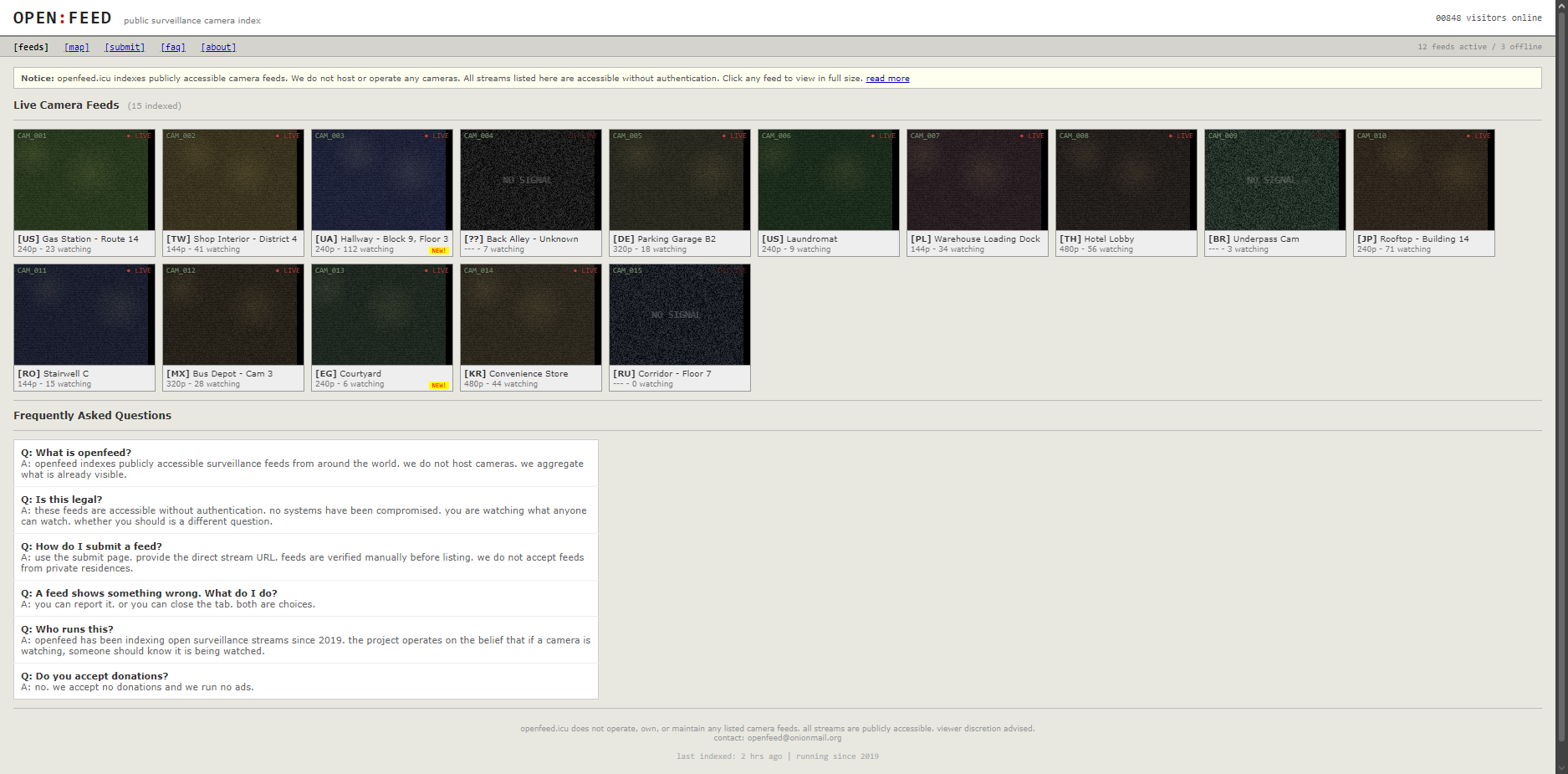
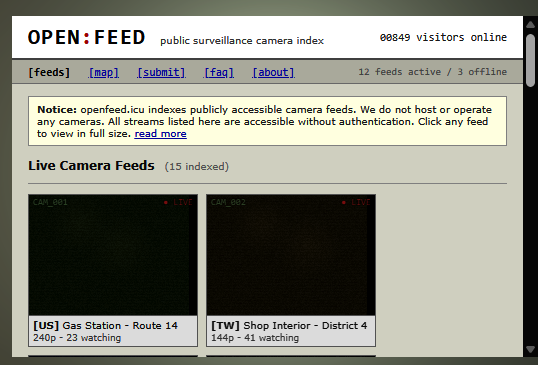
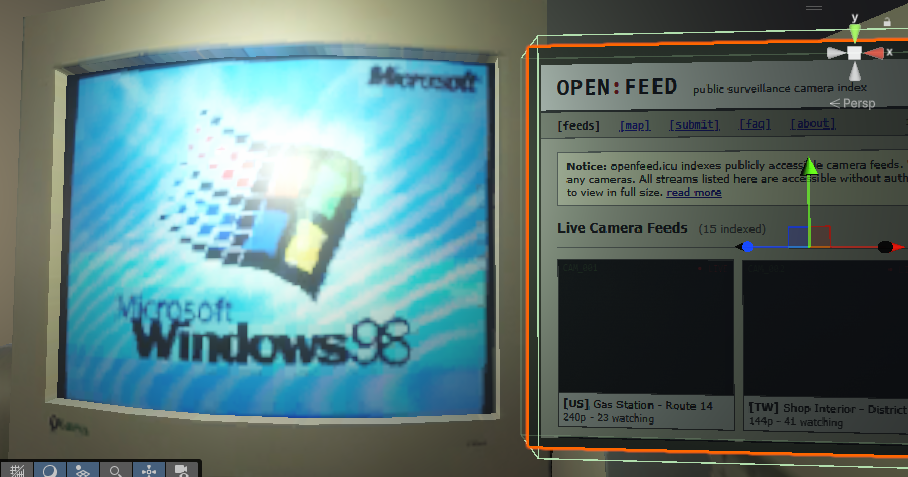
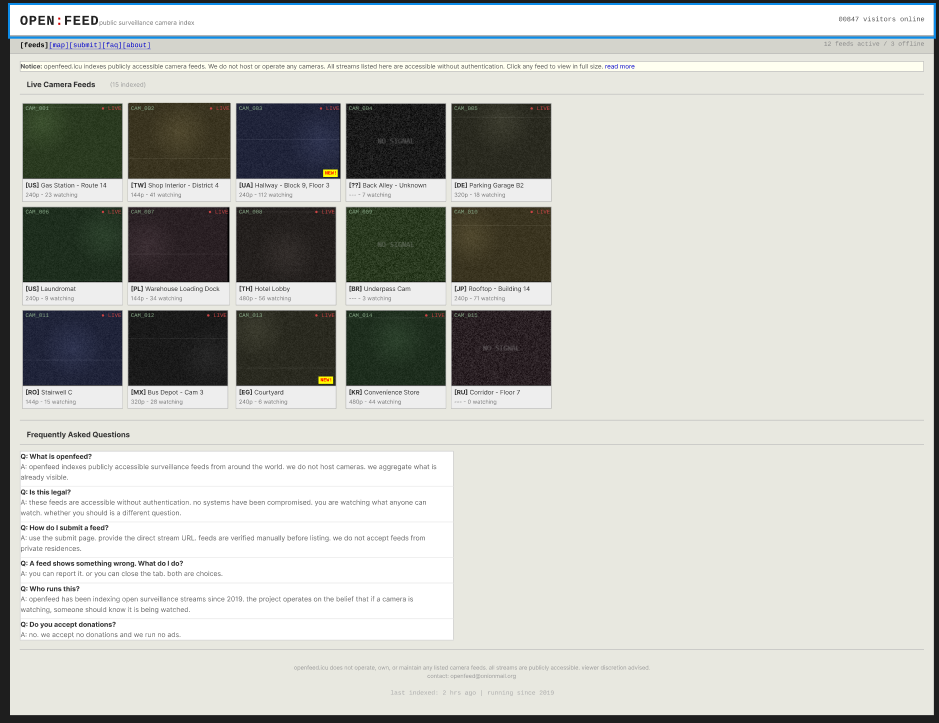
For me this was especially useful because OPEN FEED quickly grew into quite a large project. In the active project folders, excluding Unity-generated folders and bundled engine/package content, it currently includes 107 C# scripts, 1,340 image files, 394 model files, 191 audio files, and 14 distinct UI systems. Those UI systems include the main menu, pause menu, settings menu, photosensitivity warning, menu widgets, monitor feed buttons, monitor interaction layer, monitor webview, external shell browser, phone interface, world-space EAS TV webview, supermarket subtitle overlay, floating task and crosshair prompts, and the Open Feed website itself with index, map, radio, tools, forum, news, about, decrypt, transmission, final transmission, shell, and post-escape message pages. If I had to keep track of all of that only by hand, it would be very easy to lose the thread.
| Type |
Count |
| C# scripts |
107 |
| Image files |
1,340 |
| Model files |
394 |
| Audio files |
191 |
| UI systems |
14 |
Unity MCP did not make the game for me, but it helped speed up the process. For example, I could create or adjust C# scripts faster, search the project for needed files, fix scene-flow logic, and think through how different systems connect. This was especially useful in places where I had the idea in my head, but the technical implementation needed many small steps.
A good example is connecting the game flow and scenes. When a project has a main menu, store, driving scene, house, and desk scene, I constantly have to think about when to move from one place to another, when to fade, when to start audio, and when to give control back to the player. MCP helped me prototype and repair those systems faster.
It also helped with editor tools and repeated technical tasks. For example, when I needed tools for scene setup, texture importing, or recording camera paths, I could move more quickly from the idea to a working tool. That saved a lot of time and let me focus more on atmosphere, level design, and the feeling of the story.
A lot of that problem-solving also led to custom tools inside the project itself. I ended up making or extending tools such as Scene View Camera Readout for checking exact camera position and framing, Scene Camera Path Recorder for saving movement routes, Scene Exporter and Scene Hierarchy Snapshot Exporter for documenting or rebuilding scene state, PSX Texture Import Tools for keeping materials consistent, WebView Windows ASCII Key Code Patch for browser input issues, and setup generators for scenes like the supermarket, driving section, desk, parking lot, and main menu. Tools like these were necessary because the project kept running into small technical bottlenecks, and solving those bottlenecks once in a reusable way was usually better than fixing the same issue by hand over and over again.
The most important thing for me was that Unity MCP made development feel less stuck. When a technical problem came up, I did not always have to stop for a long time. I could try different solutions more quickly. That fit my working style well because the project developed a lot through experimentation.
.png)
.png)